Payments

How to automate payment reminders for customers

Businesses lose time and cash Workflow when teams manually chase pending payments, resend payment links, confirm receipts, and follow up on overdue cases. Crescora AI helps teams automate payment reminders, payment status collection, failed-payment recovery, overdue escalation, billing handover, and follow-up tracking across WhatsApp, web chat, SMS, email, and connected workflows.

Use this guide to decide how your team should automate due reminders, payment links, failed payments, overdue escalation, and billing handover.

Workflow status model

Track the customer journey instead of relying on chat memory.

A practical WhatsApp workflow should show the state of each enquiry, booking, reminder, payment, or handover.

Visible stages

Operational states your team can act on

Crescora AI
Due
Reminder Sent
Link Shared
Paid
Failed
Overdue
Escalated

Article focus

Payment reminder automation

Learn how businesses can automate payment due reminders, payment links, pending status follow-ups, failed payment recovery, customer confirmation, billing handover, and overdue escalation.

Reader outcome

Turn pending payments into structured follow-up workflows

This guide explains how to reduce manual payment chasing, improve follow-up consistency, collect payment status, and route unresolved cases to the right team.

Featured workflow example

Recover pending payments with automated reminders and clear follow-up workflows.

Crescora AI helps businesses send payment reminders, share payment links, collect transaction references, track payment status, recover failed payments, escalate overdue cases, and hand over billing issues with full customer context.
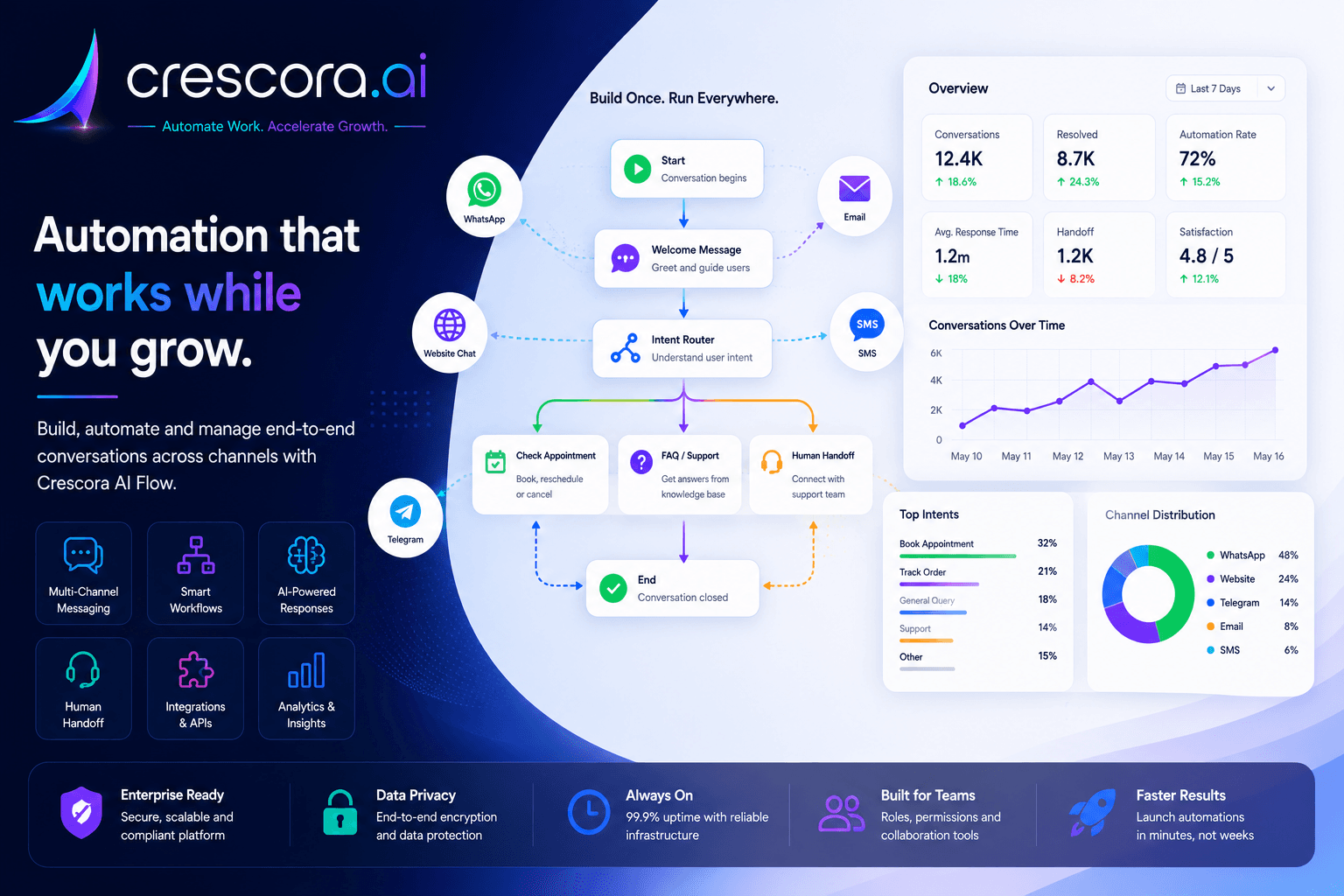
How to automate payment reminders for customers
Crescora AI ยท Payment reminder automation for invoices, fees, bookings, subscriptions, billing, collections, and overdue follow-ups.

Section

What is payment reminder automation?

Payment reminder automation is the process of sending structured payment follow-ups to customers without depending on manual calls, repeated WhatsApp messages, or staff memory.

A good payment reminder workflow can handle due notifications, payment link sharing, invoice follow-ups, pending reminders, transaction reference collection, payment confirmation, failed-payment recovery, overdue escalation, billing handover, receipt confirmation, and payment status tracking.

The goal is not only to remind customers. The goal is to move every pending payment toward a clear outcome: paid, pending, failed, overdue, disputed, escalated, or closed.

Section

Why manual payment follow-up fails

Most businesses follow up on payments manually through WhatsApp, phone calls, spreadsheets, or scattered CRM notes.

Payment reminders need structure. Without structure, businesses lose cash Workflow and staff waste time chasing the same customers again and again.

  • Staff forget to send reminders.
  • Customers say they did not receive the payment link.
  • Payment status is not updated properly.
  • Failed payments are not followed up quickly.
  • Overdue cases are not escalated on time.
  • Customers send payment screenshots but no one verifies them.
  • Billing teams do not know which cases are pending.
  • Managers cannot see the collection pipeline clearly.

Section

Payment reminder workflow example

A strong payment reminder workflow can look like this: Payment Due to Reminder Sent to Payment Link Shared to Customer Pays or No Response to Status Captured to Paid, Failed, Pending, or Overdue to Billing Handover to Outcome Tracking.

For example, when a customer has a pending consultation fee, booking token, invoice, or service payment, Crescora AI can send a reminder, share the payment link, ask the customer to confirm after payment, collect the transaction reference, and route unresolved cases to billing if payment is still pending.

Next step

Need the fastest path to cleaner collections and less manual chasing?

Start with one payment reminder workflow, prove the value, and then expand into verification, failed-payment recovery, receipts, billing escalation, and collection dashboards.

Section

What payment details should be captured

Before sending reminders, the workflow should have enough context.

This makes follow-up cleaner and helps billing teams act faster.

Customer and invoice context

Capture customer name, mobile number, email, invoice ID, order ID, appointment ID, payment amount, and due date.

Collection status

Track payment link, payment status, transaction ID, receipt number, screenshot reference, payment method, reminder count, and escalation status.

Ownership

Store the assigned billing owner so unresolved cases can be routed with clear accountability.

Section

How to write payment reminders professionally

Payment reminders should be clear, respectful, and action-focused. Avoid harsh or aggressive wording in early reminders. The message should help the customer complete the payment easily.

A good reminder structure includes greeting, reason for reminder, amount or invoice reference, due date, payment link or instruction, confirmation request, and support option.

Example: Hi {{customer_name}}, this is a reminder that your payment for {{service_name}} is pending. You can complete it using this link: {{payment_link}}. After payment, please reply with Paid or share the transaction reference. For help, reply Support.

Section

Reminder sequence before and after due date

A proper payment reminder workflow should not send only one message.

Define reminder timing before due date, on due date, after due date, before escalation, and at escalation handover.

Before due date

Send a polite upcoming payment reminder with the due date and payment link.

On due date

Send a clear payment due message and ask the customer to reply after completion.

After due date

Send a follow-up reminder or support option if the payment is still pending.

Final reminder before escalation

Use firmer but still professional wording and explain that billing follow-up will happen if the case remains unresolved.

Escalation

Route the case to billing, finance, sales, admissions, support, or operations when the workflow rules say it is time.

Section

Failed payment and overdue escalation

Failed payments should not end the workflow. A failed payment recovery workflow can ask the customer to retry, share a fresh payment link, offer alternate payment instructions, collect the failure reason, route the case to billing support, and mark the status as failed, pending, retried, or escalated.

Not every case should keep receiving reminders forever. After a defined number of reminders, the workflow should escalate unresolved cases with full payment context.

When to escalate

Escalate when payment is overdue, the customer has not responded, payment failed multiple times, the customer disputes the amount, billing support is needed, a high-value payment is pending, or payment proof needs verification.

What the handover should include

Pass customer name, mobile number, payment amount, invoice or order ID, due date, reminder history, customer response, payment status, and the recommended next step.

Business benefit

Reduce abandoned payments, improve billing response speed, keep customer communication clean, and improve payment completion.

Section

Best payment workflows to automate first

Start with one workflow that creates the most manual chasing.

Start small, prove value, then expand into more payment journeys.

Invoice reminders

Automate due reminders and billing follow-up for invoices.

Consultation fee reminders

Reduce manual fee collection for clinics and healthcare teams.

Appointment booking fee reminders

Follow up on booking payments before the visit or slot confirmation.

Admission fee follow-ups

Keep enrolment and onboarding payments moving.

Subscription renewal reminders

Reduce churn from missed renewals and failed recurring payments.

Service payment follow-ups

Track pending balances after a service is delivered.

Booking token reminders

Follow up on reservation, token, or advance amounts.

Pending balance reminders

Recover outstanding amounts after partial payment or milestone billing.

Failed payment recovery

Handle retry instructions and escalation with structure.

Receipt confirmation

Collect proof, verify completion, and close the case cleanly.

Overdue escalation

Route unresolved cases to the right owner with context.

Section

How Crescora AI helps

Crescora AI helps businesses turn payment follow-ups into structured workflows.

The value is simple: less manual chasing, faster payment follow-up, cleaner billing handover, better customer communication, more visibility into pending payments, and improved collection discipline.

  • Payment due reminders.
  • Payment link sharing.
  • Payment status collection.
  • Transaction reference capture.
  • Failed payment recovery.
  • Overdue escalation.
  • Billing handover.
  • WhatsApp reminders.
  • SMS and email fallback.
  • Customer records.
  • Reminder scheduling.
  • Workflow tracking.
  • Team visibility.

Section

Before and after payment reminder automation

Manual payment follow-up
With Crescora AI
Staff manually chase every customer
Crescora AI sends structured reminders
Payment links are resent repeatedly
Payment links can be shared through workflow steps
Payment status is unclear
Status can be captured and tracked
Failed payments are forgotten
Failed payment recovery can be triggered
Overdue cases depend on staff memory
Escalation can happen based on rules
Billing teams lack context
Handover includes payment details and conversation history
Managers cannot see pending collections
Payment status can be tracked from due to closure

Section

Metrics to measure after payment automation

Track these metrics after launch to understand whether payment automation is improving collections and reducing manual work.

These metrics help businesses understand whether payment automation is actually improving collections and reducing manual work.

Payment reminders sent

Track how many reminder attempts the workflow makes.

Reminder delivery rate

See whether customers are actually receiving your reminder messages.

Payment completion rate

Measure how many pending payments become paid.

Pending, failed, and overdue counts

Track where collections are getting stuck.

Payment link clicks

See whether customers are reaching the payment step.

Transaction references collected

Measure payment proof collection quality.

Billing handovers and disputed cases

Understand how much manual billing support is still required.

Time to payment completion

Measure collection speed from reminder to closure.

Recovery from failed payments

Track how many failed cases are recovered after retries.

Revenue recovered through reminders

Tie workflow activity back to business outcome.

Escalation resolution rate

Measure how quickly overdue cases close after handover.

Related links

Related pages to explore next

Open the solution, workflow, template, pricing, or industry page that matches your next question.

Payment Follow-Up Automation

Send payment reminders, collect status, recover failed payments, and escalate unresolved cases.

See Payment Workflow

WhatsApp Automation Workflows

Turn WhatsApp conversations into reminders, payments, bookings, support, and handover workflows.

Explore WhatsApp Automation

Workflow Automation

Automate customer journeys from first message to completed business outcome.

Explore Workflow Automation

Billing and Collections Template

Start from a pilot-ready workflow for reminders, follow-up, collections, and exception handling.

View Billing Template

Pricing

Choose the right rollout plan for your payment automation workflow.

View Pricing

FAQ

Frequently asked questions

These are the common rollout questions businesses ask before automating payment reminders and collections follow-up.

What is payment reminder automation?

Payment reminder automation sends structured payment follow-ups to customers based on due dates, pending status, failed payments, or overdue cases.

Can payment reminders be sent automatically on WhatsApp?

Yes. WhatsApp payment reminders can be automated depending on channel setup, customer opt-in, and template approval requirements.

Can Crescora AI send payment links?

Yes. Crescora AI can support payment link sharing depending on your payment provider and implementation setup.

Can Crescora AI verify payment status?

Payment verification depends on payment gateway integration and rollout scope. If automatic verification is not available, the workflow can collect transaction IDs, receipt numbers, screenshots, or manual confirmation.

What happens if payment fails?

The workflow can send retry instructions, share another payment link, collect failure reason, or route the case to billing support.

Can overdue payments be escalated?

Yes. Overdue cases can be routed to billing, finance, sales, support, or operations with full payment context.

Which businesses need payment reminder automation?

Clinics, schools, coaching centers, service businesses, real estate teams, agencies, SaaS businesses, diagnostics labs, and finance teams can all use payment reminder automation.

What should I automate first?

Start with the payment workflow that creates the most manual chasing, such as invoice reminders, booking fees, consultation fees, subscription renewals, or pending balance reminders.

Next step

Ready to automate payment reminders for your customers?

Tell us how your business currently handles pending payments, payment links, invoice reminders, failed payments, receipt confirmation, overdue cases, and billing handover. We will map your payment workflow and show the fastest Crescora AI rollout path.

Start with one payment reminder workflow. Prove value. Expand into payment verification, failed-payment recovery, receipts, billing escalation, and collection dashboards.