Appointments

How to automate appointment booking using WhatsApp

Many customers prefer to ask for appointments on WhatsApp because it is fast and familiar. But when booking is handled manually, teams waste time asking the same questions again and again. Crescora AI helps businesses turn WhatsApp enquiries into structured booking workflows with customer details, service selection, date preference, slot confirmation, reminders, rescheduling, payment follow-up, and staff handover.

Compare how your team could automate appointment requests, slot confirmation, reminders, rescheduling, fees, and handoff.

Workflow status model

Track the customer journey instead of relying on chat memory.

A practical WhatsApp workflow should show the state of each enquiry, booking, reminder, payment, or handover.

Visible stages

Operational states your team can act on

Crescora AI
Request Started
Details Captured
Slot Selected
Booking Confirmed
Reminder Sent
Reschedule Requested
Completed

Article focus

Automate appointment requests from WhatsApp

Turn WhatsApp enquiries into structured booking workflows with customer details, service selection, date preference, slot confirmation, reminders, and staff handover.

Reader outcome

Learn how to reduce booking back-and-forth

This guide explains how businesses can automate appointment booking, reminders, rescheduling, payment follow-ups, and handoff using Crescora AI.

Featured workflow example

Book more appointments from faster WhatsApp replies and automated reminders.

Crescora AI helps businesses turn WhatsApp enquiries into confirmed appointments with slot selection, reminders, rescheduling, payment follow-up, and human handover.
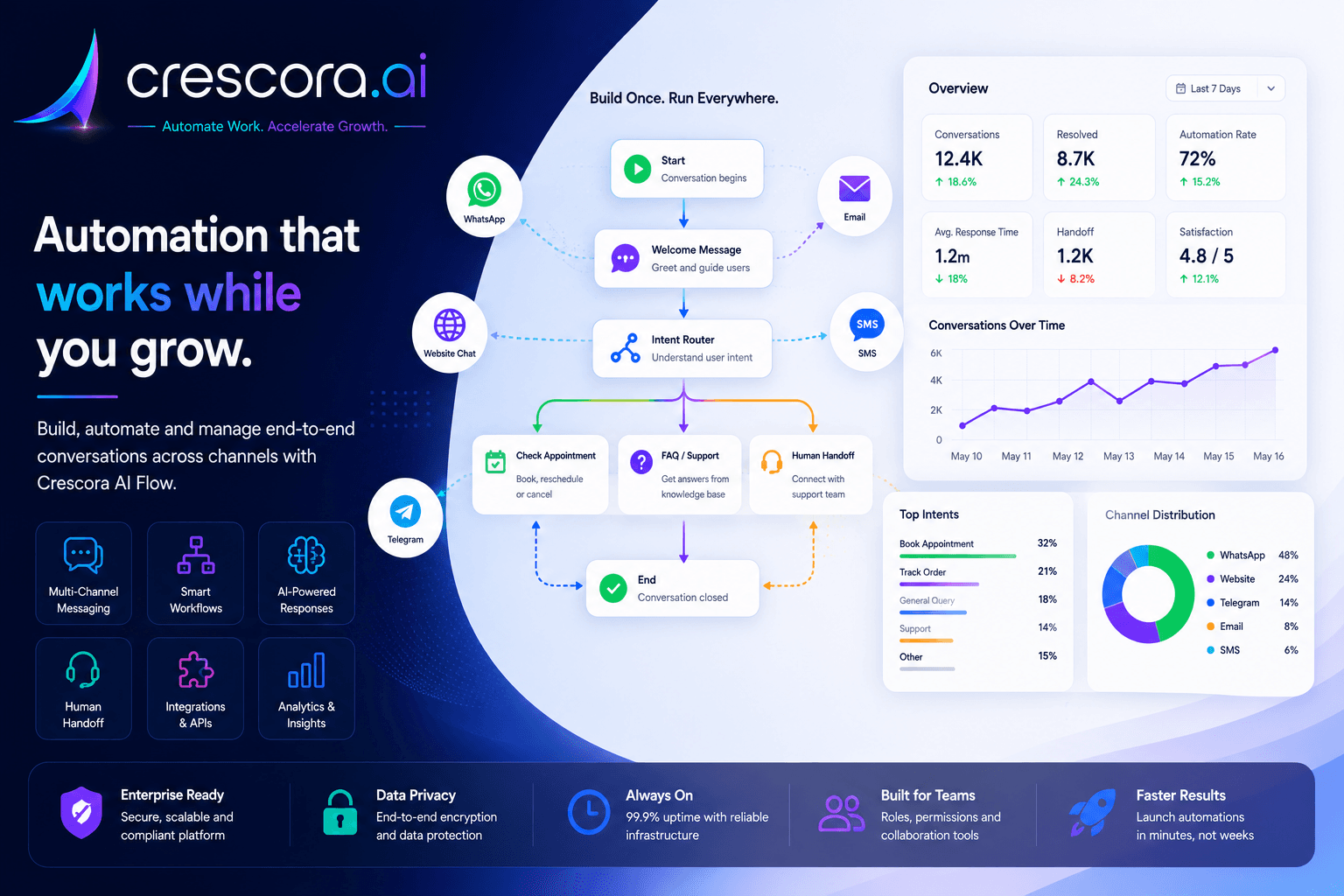
How to automate appointment booking using WhatsApp

Section

What is WhatsApp appointment booking automation?

WhatsApp appointment booking automation turns booking messages into a structured workflow instead of leaving staff to handle every request manually.

The goal is not only to reply faster. The goal is to move every appointment enquiry toward a confirmed booking or a clear next step.

  • New appointment requests.
  • Customer name and phone number collection.
  • Service, department, doctor, consultant, staff, or visit type selection.
  • Preferred date and time capture.
  • Slot confirmation and instruction sharing.
  • Appointment reminders, rescheduling, and cancellation paths.
  • Booking fee or consultation fee follow-up.
  • Staff handover for exceptions.

Section

Why manual appointment booking creates delays

Customers ask things like: Is there a slot today? Can I book for tomorrow? What is the consultation fee? Can I reschedule? Where is the clinic? Can I get a reminder?

Without automation, these messages create back-and-forth, delayed replies, missed bookings, and no-shows.

WhatsApp appointment booking automation helps businesses capture appointment requests, collect customer details, confirm slots, send reminders, and route complex cases to staff.

Section

Appointment booking workflow example

Crescora AI can help businesses create structured appointment workflows so every enquiry is captured, confirmed, reminded, and tracked.

  • WhatsApp Message
  • Appointment Intent
  • Customer Details
  • Service Selection
  • Date and Slot
  • Confirmation
  • Reminder
  • Reschedule / Payment / Handover
  • Outcome Tracking

Next step

Need the fastest path to better booking conversion?

Start with one appointment workflow and prove the value before you expand into reminders, payments, CRM sync, rescheduling, and dashboards.

Section

What details Crescora AI can collect

Customer details

Capture customer name, phone number, location, preferred branch, and callback preference before staff needs to step in.

Booking context

Collect service type, department, doctor or consultant preference, visit type, urgency, and preferred date or time.

Operational next step

Store slot selection, payment status, reminder timing, reschedule request, cancellation request, or handover requirement.

Section

Reminder and rescheduling automation

Appointment workflows should not stop after confirmation. Reminder timing, reschedule requests, and cancellation handling determine whether the booking actually happens.

A WhatsApp workflow can send reminders, capture reschedule intent, route exceptions, and keep the staff informed instead of depending on memory.

  • Send reminder messages before the appointment.
  • Give customers a clear reschedule path.
  • Handle cancellation or missed-appointment outcomes.
  • Route complex changes to staff when a person is needed.

Section

Payment and booking fee follow-up

Some appointment workflows need booking fee, consultation fee, or token payment follow-up before the booking is fully confirmed.

Crescora AI can add payment reminders, payment link sharing, fee confirmation, and staff handover for pending or unclear cases.

Section

Before and after appointment automation

Manual WhatsApp booking
With Crescora AI
Staff ask the same questions repeatedly
Crescora AI captures required details automatically
Customers wait for slot confirmation
Crescora AI guides them to the next booking step
Reminders depend on staff memory
Reminders can be scheduled automatically
Rescheduling creates confusion
Customers get a clear reschedule path
Booking fees are chased manually
Payment follow-up can be added
Managers cannot track booking status
Appointment status can be tracked from request to completion

Section

Who can use WhatsApp appointment booking automation?

Clinics and hospitals

OPD booking, doctor appointments, patient reminders, and consultation fee follow-up.

Diagnostics and labs

Test booking, home sample collection, report follow-up, and reminder messages.

Coaching centers and EdTech

Demo class booking, counsellor calls, and admission follow-up paths.

Service businesses

Repair visits, home service bookings, consultation slots, and staff assignment.

Salons, spas, and wellness centers

Slot booking, package reminders, rescheduling, and repeat-visit follow-ups.

Real estate teams

Site visit booking, buyer qualification, and sales rep handover.

Section

How Crescora AI helps automate appointment booking

Crescora AI supports appointment scheduling automation across WhatsApp and connected workflows, including reminders, payment follow-up, rescheduling, and handoff.

It helps teams capture appointment intent, confirm the slot, keep reminders structured, and track outcomes across bookings, no-shows, pending payments, and completed visits.

Section

What to measure after automating appointment booking

Appointment requests started

How many customers begin the booking workflow.

Details captured

How many enquiries provide the required customer and service details.

Slots selected

How many customers reach date and slot selection.

Bookings confirmed

How many appointment requests become confirmed visits.

Reminders sent

How many reminders were delivered before the visit.

Reschedule requests

How many customers need date or slot changes.

No-shows

How many bookings fail to turn into completed appointments.

Payment pending cases

How many bookings are waiting on fees or confirmation.

Staff handovers

How many conversations required human intervention.

Completed appointments

How many requests reach a successful booking outcome.

Related links

Related pages to explore next

Open the solution, workflow, template, pricing, or industry page that matches your next question.

WhatsApp Automation Workflows

Turn WhatsApp enquiries into booking, reminders, payments, support, and handover workflows.

Explore WhatsApp Automation

Appointment Booking Automation

Reduce back-and-forth by automating appointment booking, reminders, rescheduling, and staff handover.

See Appointment Workflow

Service Business Booking Template

Start from a pilot-ready booking template for service teams, clinics, salons, consultants, and local businesses.

View Booking Template

Pricing

Choose the right rollout plan for your appointment automation workflow.

View Pricing

FAQ

Frequently asked questions

These are the common rollout questions businesses ask before implementing WhatsApp booking automation.

Can WhatsApp automate appointment booking?

Yes. WhatsApp appointment booking automation can collect customer details, service type, preferred date or time, confirm slots, send reminders, and route exceptions to staff.

Can customers reschedule appointments through WhatsApp?

Yes. A workflow can include rescheduling, cancellation, and staff handover paths.

Can Crescora AI send appointment reminders?

Yes. Crescora AI can support reminder workflows depending on channel setup and rollout scope.

Can this work for clinics and service businesses?

Yes. This workflow is useful for clinics, hospitals, salons, coaching centers, consultants, service businesses, diagnostics labs, and real estate site visits.

Can payment follow-up be added?

Yes. Booking fee, consultation fee, token payment, or pending payment follow-up can be added to the workflow.

Next step

Ready to automate appointment booking on WhatsApp?

Tell us how your team currently handles WhatsApp enquiries, slot confirmation, reminders, rescheduling, payment follow-ups, and staff handover. We will map your booking workflow and show the fastest Crescora AI rollout path.

Start with one appointment workflow. Prove value. Expand into reminders, payments, rescheduling, CRM sync, and dashboards.
