
How clinics can reduce front desk calls with automation
Clinics lose time every day answering repeated appointment calls, doctor availability questions, fee enquiries, location requests, report updates, rescheduling requests, and follow-up messages. Crescora AI helps clinics automate patient enquiries, appointment booking, reminders, payment follow-ups, document collection, report support, and human handover across WhatsApp, web chat, and connected workflows.
Use this guide to decide which clinic workflow should be automated first: booking, reminders, doctor availability, reports, payments, documents, or handover.
Workflow status model
Track the customer journey instead of relying on chat memory.
A practical WhatsApp workflow should show the state of each enquiry, booking, reminder, payment, or handover.
Visible stages
Operational states your team can act on
Article guide
Table of contents
Jump to the part of the article that matches your rollout question.
Article focus
Clinic front desk call automation
Learn how clinics can reduce repeated front desk calls by automating appointment booking, patient enquiry capture, doctor availability questions, reminders, rescheduling, fee queries, and staff handover.
Reader outcome
Turn patient calls and messages into structured workflows
This guide explains how clinics can move from manual front-desk coordination to automated patient workflows that reduce call load, improve response speed, and keep staff focused on in-clinic patient care.
Featured workflow example
Reduce clinic front desk calls with faster patient enquiry automation.
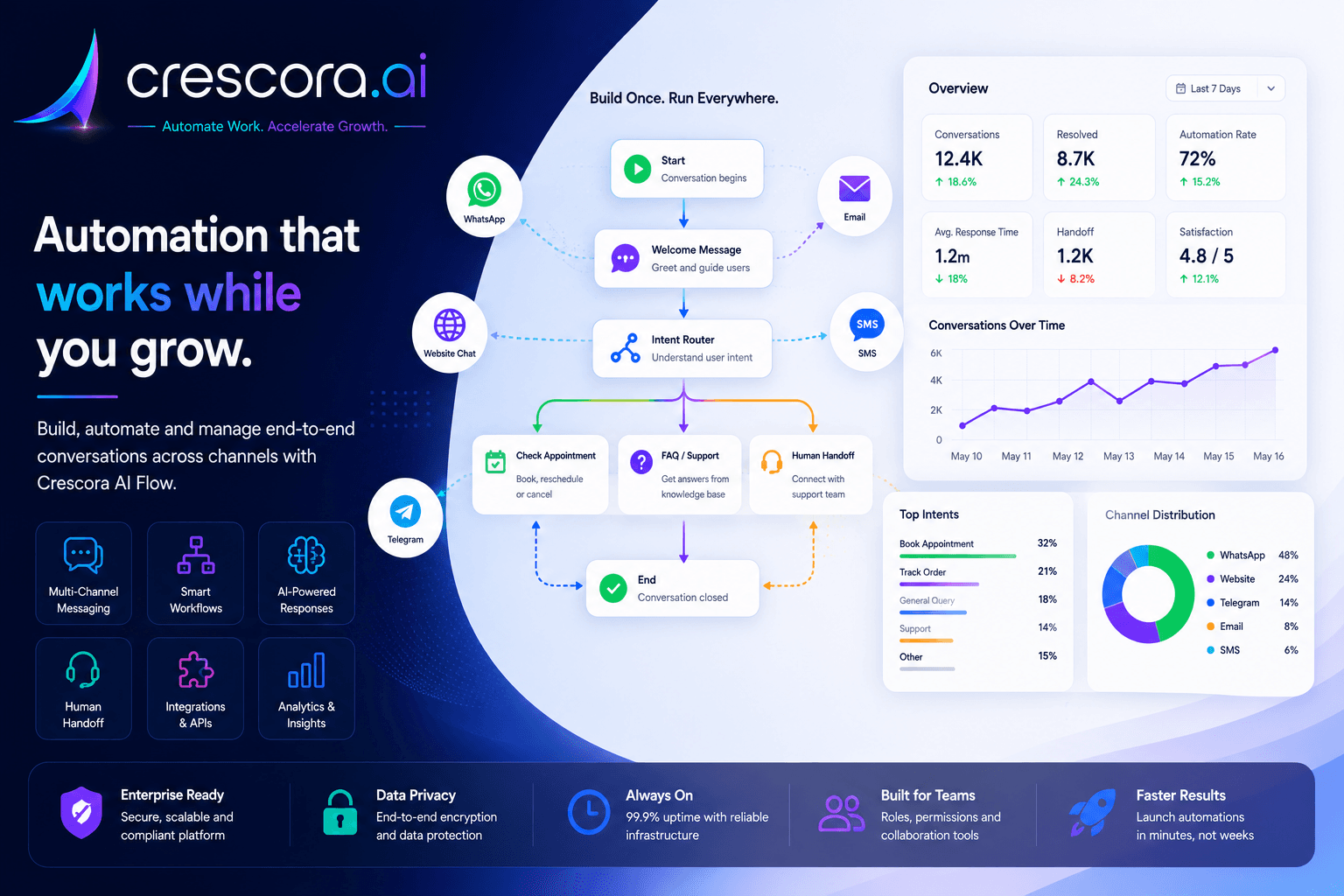
Crescora AI helps clinics turn WhatsApp, website, and patient enquiries into structured workflows for appointment booking, doctor availability, reminders, payments, reports, documents, and staff handover.
Section
What is clinic front desk automation?
Clinic front desk automation means using structured workflows to handle repeated patient enquiries, appointment requests, reminders, rescheduling, billing questions, report updates, and staff handover without forcing the front desk team to answer every call manually.
It is not just a chatbot that replies with generic answers. A good clinic automation system should capture patient details, understand the request, guide the patient to the right next step, notify staff when needed, and track every enquiry until it reaches an outcome.
The goal is simple: reduce repeated calls, improve patient response speed, and make clinic operations more structured.
- Appointment booking.
- Doctor availability enquiries.
- Patient detail collection.
- OPD timing questions.
- Consultation fee questions.
- Location and direction requests.
- Reminder messages.
- Rescheduling requests.
- Missed appointment follow-ups.
- Payment or billing support.
- Lab report status questions.
- Document collection.
- Human handover.
- Patient feedback collection.
- Front desk dashboard visibility.
Section
Why clinics receive too many front desk calls
Most clinics receive repeated calls for the same few reasons.
These calls look small individually, but together they consume front desk time every day. When the front desk is busy, patients wait longer, calls get missed, WhatsApp messages pile up, and patients may move to another clinic if they do not get a fast response.
Clinic automation helps by answering repeated operational questions and routing important cases to staff.
- Is the doctor available today?
- Can I book an appointment?
- What is the consultation fee?
- What are the clinic timings?
- Can I come without appointment?
- Can I reschedule my visit?
- Where is the clinic located?
- Is my report ready?
- Can I pay online?
- Can I speak to the doctor?
- What documents should I bring?
Section
Best clinic workflows to automate first
Clinics should not automate everything on day one. Start with the workflows that create the most repeated calls and missed opportunities.
Start with one workflow, prove value, then expand.
Appointment booking
Reduce manual booking calls and guide patients to a confirmed slot faster.
Doctor availability enquiries
Answer timing questions and move the patient directly toward booking.
Appointment reminders
Cut no-shows and reminder calls with scheduled patient reminders.
Rescheduling requests
Let patients request a new time without creating front-desk confusion.
Fee and billing questions
Handle common payment queries with approved answers and structured escalation.
Lab report status
Reduce repeated report calls and route report support cleanly.
Document collection
Request missing files before visits, procedures, and follow-ups.
Follow-up visit reminders
Prompt repeat visits after consultations, procedures, or tests.
Human handover
Route urgent, sensitive, or unclear cases to staff with full context.
Patient feedback
Collect post-visit feedback without extra front-desk work.
Next step
Need the fastest path to fewer front desk calls?
Start with one clinic workflow, prove the value, and then expand into reminders, payments, reports, documents, handover, and dashboards.
Section
Appointment booking automation
Appointment booking is the most important clinic automation workflow.
Crescora AI can guide patients through a structured appointment booking path, send appointment details after confirmation, and schedule a reminder.
Questions patients ask
Patients often ask whether the doctor is available today, whether they can come tomorrow morning, whether evening slots exist, or whether they can book for a child or reschedule an appointment.
What the workflow can collect
Capture patient name, mobile number, new or existing patient status, department or doctor preference, preferred date and time, clinic branch, visit reason, consultation mode, and confirmation status.
Business benefit
Fewer appointment calls, less back-and-forth, faster booking confirmation, better patient experience, and reduced front desk workload.
Section
Doctor availability enquiry automation
Doctor availability questions are repeated every day.
Crescora AI can answer availability questions using your configured clinic schedule or route the patient to the front desk when confirmation is required. The workflow can also move the patient directly into appointment booking after availability is shown.
- Is the doctor available today?
- What time does the doctor come?
- Is the doctor available on Sunday?
- Can I meet the doctor in the evening?
- Is there a specialist available?
Section
Reminder and rescheduling automation
Many clinic no-shows happen because patients forget the appointment or do not receive timely reminders.
Rescheduling also creates a lot of front desk work. Crescora AI can send reminder messages, provide a reschedule path, and hand complex changes over to staff when required.
Reminder content
Reminder messages can include doctor name, appointment date, appointment time, clinic location, documents to bring, payment note, reschedule option, and contact support option.
Reschedule handling
Patients can choose a new preferred date or time, and staff can be notified only when confirmation or manual coordination is needed.
Business benefit
Reduces no-shows, improves attendance, saves staff from reminder calls, and gives patients a clear next step.
Section
Fee, payment, and billing support automation
Patients often call only to ask fee-related questions.
Crescora AI can answer approved fee questions, share payment instructions, collect payment references, and route unresolved billing cases to staff.
- What is the consultation fee?
- Can I pay online?
- Is payment required before appointment?
- Can I get a receipt?
- My payment failed. What should I do?
- Can I pay at the clinic?
Section
Lab report and document support automation
Clinics that handle lab tests or diagnostics receive repeated report status questions, and many clinics also need patients to share documents before appointments, procedures, insurance, lab tests, or follow-up consultations.
For sensitive medical reports, the workflow should verify patient identity before sharing report access instructions or links.
Report support
Capture patient mobile number, report ID, test date, patient name, and test type before routing the patient to report status, report-ready notification, or lab or front-desk handover.
Document collection
Request previous reports, prescription, referral note, ID proof, insurance card, payment receipt, medical history documents, or consent forms with reminder logic for missing files.
Business benefit
Reduces repeated report calls, improves patient communication, saves staff time, and keeps report or document support traceable.
Section
Human handover for sensitive cases
Automation should never block a patient who needs human help.
A proper handover should include patient name, mobile number, request type, department, conversation summary, urgency level, last action taken, and the recommended next step.
- Emergency symptoms.
- Serious health concerns.
- Confused or angry patients.
- Billing disputes.
- Insurance issues.
- Report access problems.
- Complex appointment requests.
- Elderly patient support.
- High-risk cases.
- Medical advice requests.
Section
How Crescora AI helps clinics
Crescora AI helps clinics turn patient conversations into structured workflows across WhatsApp, web chat, and connected systems.
The value is simple: faster replies, fewer front desk calls, less manual follow-up, better patient communication, cleaner staff handover, and more visibility into pending patient conversations.
- Patient enquiry automation.
- Appointment booking.
- Doctor availability handling.
- Reminder automation.
- Rescheduling workflow.
- Payment follow-up.
- Document collection.
- Lab report support.
- FAQ automation.
- Human handover.
- Patient feedback.
- Workflow tracking.
- Team visibility.
Section
Before and after clinic automation
Section
Clinic automation use cases by clinic type
General clinics
Automate appointment booking, timings, consultation fee questions, reminders, and follow-up visits.
Dental clinics
Automate appointment scheduling, treatment follow-ups, cleaning reminders, payment follow-up, and patient feedback.
Skin and hair clinics
Automate consultation booking, package enquiries, treatment follow-ups, reminders, and offer follow-ups.
Eye clinics
Automate doctor availability, appointment booking, report queries, surgery enquiry routing, and follow-up reminders.
Physiotherapy clinics
Automate session booking, repeat visit reminders, package follow-up, payment reminders, and progress check-ins.
Pediatric clinics
Automate vaccination reminders, appointment booking, doctor availability, and parent follow-up messages.
Diagnostics-linked clinics
Automate test booking, report status, report-ready notifications, and lab support handover.
Section
Metrics to measure after clinic automation
Track these metrics after launch to understand whether automation is actually improving operations.
Clinic automation should give visibility, not just messages.
Patient enquiries
Track how many new enquiries the workflow captures.
Appointment requests and bookings confirmed
Measure how many requests turn into confirmed visits.
Reminders sent and no-shows
Evaluate whether reminder automation improves attendance.
Reschedule requests
See how often patients need changes and whether the workflow handles them cleanly.
Missed calls reduced and WhatsApp enquiries handled
Understand whether call load is shifting into structured digital workflows.
Payment pending, report support, and document cases
Measure support volume outside pure booking.
Human handovers and resolved conversations
Track escalation discipline and closure quality.
Front desk workload reduction
Measure whether staff time is moving from repeated answers to patient care.
Related links
Related pages to explore next
Open the solution, workflow, template, pricing, or industry page that matches your next question.
Clinic Appointment Automation
Automate clinic appointment booking, patient reminders, rescheduling, and front-desk handover.
Explore Clinic AutomationAppointment Booking Automation
Reduce back-and-forth by automating appointment requests, confirmations, reminders, and rescheduling.
See Appointment WorkflowWhatsApp Automation Workflows
Turn WhatsApp patient enquiries into booking, reminders, payments, reports, and support workflows.
Explore WhatsApp AutomationCustomer Support Automation
Answer repeated questions, route patient support requests, and hand over complex cases with context.
See Support WorkflowFAQ
Frequently asked questions
These are the common rollout questions clinics ask before automating front-desk and patient enquiry workflows.
How can clinics reduce front desk calls?
Clinics can reduce front desk calls by automating appointment booking, doctor availability questions, reminders, rescheduling, fee queries, report support, document collection, and common FAQs.
Can a clinic chatbot book appointments?
Yes. A clinic chatbot can collect patient details, doctor preference, preferred date and time, and appointment intent before confirming or routing the request to staff.
Can automation send appointment reminders?
Yes. Appointment reminder workflows can help reduce no-shows and reduce manual reminder calls.
Can Crescora AI handle WhatsApp enquiries for clinics?
Yes. Crescora AI can help clinics automate WhatsApp enquiries, appointment requests, reminders, payment follow-ups, report support, and human handover.
Can automation replace clinic front desk staff?
No. Automation should reduce repetitive work and help front desk staff focus on patients who need human attention.
Can a chatbot answer medical questions?
A clinic chatbot should not diagnose, prescribe medicine, or give risky medical advice. Medical, urgent, or sensitive questions should be routed to qualified staff.
What should a clinic automate first?
Most clinics should start with appointment booking, doctor availability enquiries, and reminders. These usually create the highest front desk call load.
Can Crescora AI support human handover?
Yes. Crescora AI can route urgent, unclear, or complex conversations to clinic staff with patient details and conversation history.
Next step
Ready to reduce front desk calls at your clinic?
Tell us how your clinic currently handles appointment calls, WhatsApp messages, doctor availability questions, reminders, rescheduling, payment queries, reports, documents, and patient handover. We will map your clinic workflow and show the fastest Crescora AI rollout path.
Start with one clinic workflow. Prove value. Expand into reminders, payments, reports, documents, handover, and dashboards.
